
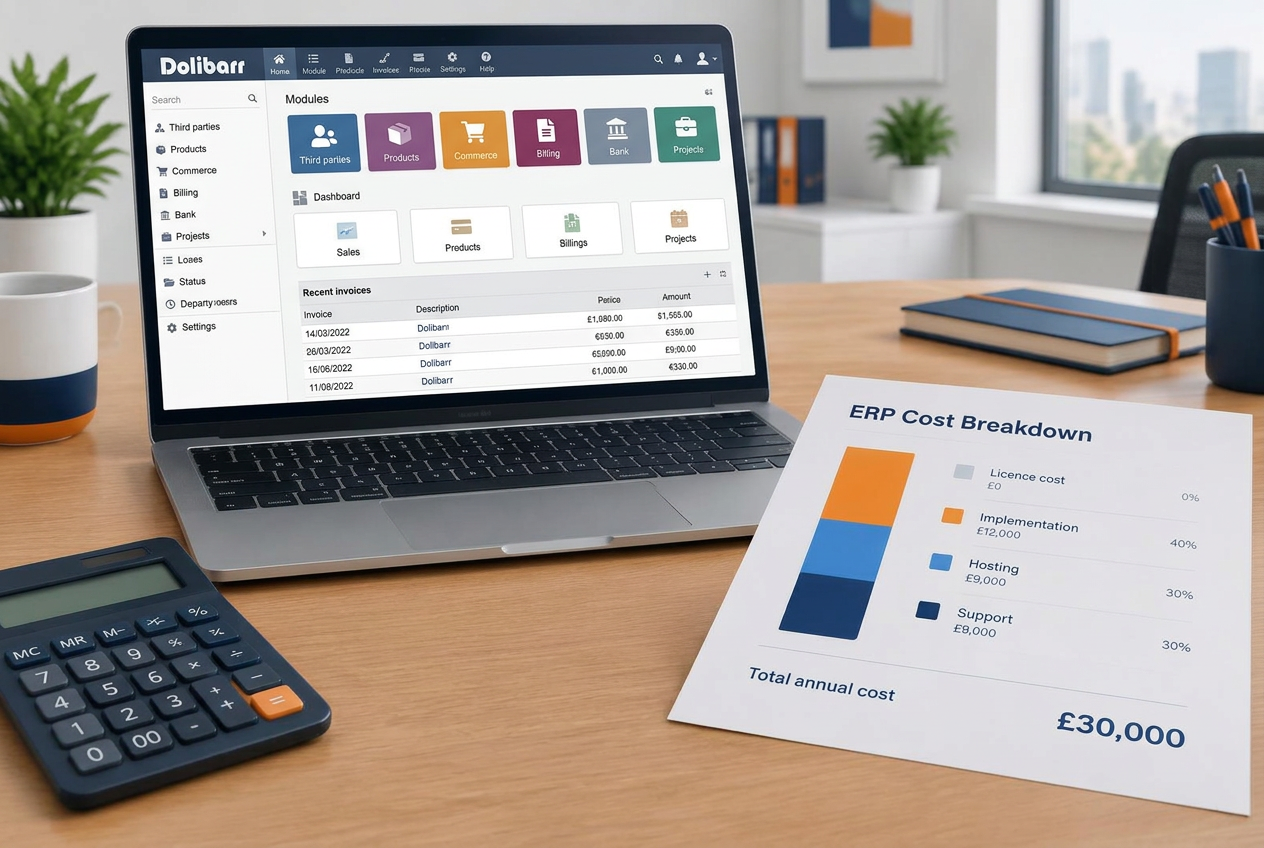
But "free to download" and "free to run your business on" are two very different things. Any ERP system, open source or not, comes with costs for setup, hosting, data migration, training, support and upgrades. Some of these costs appear on an invoice. Others are hidden in your team's time, in mistakes and in the opportunities you miss when a system doesn't quite work.
The short answer: Dolibarr is not free once you put it to work in a real business, but it is usually far cheaper to own than proprietary ERP systems. The saving comes from having no per-user licence fees. How much you save depends on how you implement and run it.
This article breaks down where the money really goes, compares the three main ways of running Dolibarr, and walks through an illustrative five-year total cost of ownership (TCO) so you can judge the numbers for your own business.
What's actually free about Dolibarr?
Let's start with the good news, because it's significant. Dolibarr is released under an open-source licence, which means:
- No licence fees. You don't pay to use the software, however long you use it.
- No per-user charges. Adding your second, tenth or twentieth user costs nothing in software fees. For a startup or small business planning to grow, this is often the biggest saving of all.
- No forced upgrades or price rises. You aren't at the mercy of a vendor who decides to raise subscription prices or retire the edition you're on.
- Full access to your data. Your information sits in a standard database that you control, so you're never locked in.
- A broad set of core modules. CRM, quotes, orders, invoicing, purchasing, stock, manufacturing, projects, HR and accounting are all included in the core product.
That's a lot of value before you've spent anything. Proprietary ERP vendors typically charge per user, per month, often with extra fees for additional modules, and those charges continue for as long as you use the system.
So the software itself is genuinely free. What isn't free is everything required to turn that software into a working business system.
The real cost components of a Dolibarr system
Total cost of ownership (TCO) is the full cost of acquiring, implementing and running a system over its working life, usually measured over three to five years. For Dolibarr, it breaks down into the following components.
- Discovery and planning: Mapping your processes, requirements and scope before anything is built (One-off)
- Configuration: Setting up modules, products, price lists, warehouses, taxes, workflows and permissions (One-off, with occasional changes)
- Data migration: Cleaning and importing customers, suppliers, products, stock and open transactions (One-off)
- Integrations: Connecting e-commerce platforms, payment providers, shipping tools and accounting or tax software (One-off build, ongoing maintenance)
- Add-on modules and customisation: Third-party modules or bespoke development to fill functional gaps (One-off purchase or build, sometimes annual renewals)
- Training: Getting each user confident in their part of the system (One-off, plus new starters)
- Hosting and infrastructure: Servers, backups, security, monitoring and uptime (Ongoing)
- Support: Help with issues, questions and fixes once you're live (Ongoing)
- Upgrades and maintenance: Applying new Dolibarr versions and security patches, and retesting customisations (Ongoing)
- Internal time: Your team's time on the project, testing and running the system (Both)
The first seven items are fairly easy to price. The last three are where budgets most often go wrong, because they're easy to underestimate at the start and they keep recurring for as long as you use the system.
Three ways to run Dolibarr, and what each really costs
How you choose to implement and run Dolibarr has the biggest single effect on your TCO. Most businesses take one of three routes.
1. Do it yourself
You download Dolibarr, install it on a web host or an in-house server, and configure it yourself or with a technically minded member of staff.
Cash cost: very low. Perhaps a few pounds a month for hosting and the occasional paid module.
Real cost: often much higher than it looks. Setup can take weeks of someone's time, usually squeezed around their day job. Configuration decisions made without ERP experience tend to cause problems later, especially around stock, costing and accounting. Security, backups and upgrades rely on one person remembering to do them. When something breaks, there's no one to call.
The DIY route can work for a sole trader or a very early-stage startup with simple needs and someone technical on hand. Once even a small team is running orders, stock and finance through the system, the risk outweighs the saving.
2. Partner-led implementation
You engage a specialist Dolibarr partner to plan, configure, migrate your data, train your team and support you afterwards.
Cash cost: a project fee for implementation, then an ongoing fee for hosting and support.
Real cost: close to the cash cost, because the partner carries most of the risk and effort. Your team's time goes on decisions, testing and learning rather than technical troubleshooting. Costs rise if you ask for a lot of bespoke development, so it pays to work with a partner who favours configuration over custom code.
3. A packaged, supported Dolibarr product
Some partners offer Dolibarr as a ready-configured product for particular types of business, with hosting, upgrades and support bundled into a predictable subscription.
Cash cost: usually a smaller setup fee than a fully bespoke project, plus a monthly subscription. For a business with 1 to 20 users, expect a setup fee of roughly £1,000 to £10,000, depending on complexity, and a subscription that is often charged per user.
Real cost: the most predictable of the three. Because the product is already configured for businesses like yours, implementation is faster and less risky. Upgrades are handled for you and tested across a standard setup, which keeps long-term maintenance costs down. Security, backups and GDPR safeguards are built in and shared across every customer, rather than paid for by you alone.
The key point is that a packaged product is not the same as proprietary software. You still get the core benefits of open source, including no software licence fees and full ownership of your data. Where a packaged product is priced per user, that fee pays for hosting, security, support and upgrades, not a licence.
An illustrative five-year TCO comparison
To make this concrete, here's an illustrative comparison for a small UK wholesaler with 10 users, right in the middle of the 1 to 20 user range most small businesses fall into. It compares two ways of running Dolibarr: Thrive ERP, a SaaS product built on Dolibarr, and a bespoke implementation by a Dolibarr partner.
Assumptions behind the numbers:
- Dolibarr (partner-led): £8,000 to implement as a bespoke project, covering discovery, configuration, data migration and training. After that, £3,000 a year for managed hosting and support, £600 a year for upgrades and small enhancements, and £1,000 a year for security and GDPR work that is priced separately.
- Thrive ERP (SaaS): £5,000 to set up, covering discovery, configuration, data migration and training. Setup for businesses with 1 to 20 users typically ranges from £1,000 to £10,000, depending on complexity. After that, a subscription of around £35 per user per month (£4,200 a year for 10 users), covering hosting, security, support and upgrades.
Neither option carries software licence fees. The partner-led route costs more here because a bespoke project takes longer to set up, and security and compliance are paid for by one business rather than shared across many.
These figures are illustrative, not quotes. Your own numbers will depend on your size, your processes and where your setup falls in the £1,000 to £10,000 range.
Growth stays predictable too. Each extra user on Thrive ERP adds around £420 a year. Because Dolibarr has no licence fees, that pays for the service around the software, such as hosting, security, support and upgrades, rather than for permission to use it.
The DIY route isn't shown because most of its costs don't appear on an invoice. They show up as staff time, errors and risk, which is exactly why DIY often looks cheapest on paper and proves most expensive in practice.
The hidden costs most businesses forget
Whichever route you take, a few costs rarely appear in the original budget. Plan for them from the start.
- Your team's time. Someone needs to own the project internally, make decisions, clean data and test processes. In a small business that's often the owner, so expect to set aside a few hours a week throughout implementation.
- Dirty data. Duplicate customers, inconsistent product codes and out-of-date stock figures all have to be fixed before migration. The worse your current data, the longer this takes.
- Running two systems at once. Many businesses run their old and new systems side by side for a short period to be safe. That means double entry for a while.
- The productivity dip. Even with good training, people are slower in a new system for the first few weeks. Plan go-live away from your busiest season.
- Customisation debt. Every bespoke change needs to be maintained and retested at each upgrade. Heavy customisation can make upgrades so painful that businesses stop upgrading altogether, leaving them on old, less secure versions.
- Staff turnover. When the one person who understood the system leaves, knowledge leaves with them. Good documentation and a supported partner reduce this risk.
- The cost of downtime. If your ERP goes down, you can't take orders, pick stock or raise invoices. Cheap hosting without monitoring or tested backups can turn a minor fault into days of lost trading.
None of these costs is unique to Dolibarr. They apply to any ERP. The difference is that with proprietary systems, the licence fees are so large they tend to overshadow everything else. With Dolibarr, these "soft" costs become the main thing to manage.
Security and GDPR: the biggest hidden cost for small businesses
Your ERP holds your most sensitive information: customer details, supplier terms, pricing, staff records and financials. Under UK GDPR, you're responsible for protecting that data, whoever built or hosts the software.
Doing this properly for a single application is expensive and time-consuming, especially for a small business. It typically means:
- Secure, regularly patched servers, with firewalls and encryption for data in transit and at rest
- Regular backups, stored separately from the live system and tested so you know they work
- Access controls, strong passwords and two-factor authentication
- Monitoring and logging, so you'd know quickly if something went wrong
- Applying Dolibarr security updates promptly
- Records of how you process personal data, retention rules, and a plan for handling a breach, including reporting it to the ICO within 72 hours where required
For a large company with an IT team, this is part of normal operations. For a startup or a five-person business, it can mean paying a specialist or accepting a risk nobody has properly assessed. The cost of getting it wrong, from lost data to regulatory action to damaged customer trust, can far outweigh the cost of the ERP itself.
This is where a managed or packaged service changes the numbers. A provider running Dolibarr for many businesses spreads the cost of security, monitoring and compliance expertise across all of them. You get a level of protection that would be unaffordable to build on your own, as part of a predictable monthly fee. When comparing options, ask exactly what security and GDPR support is included, and where your data will be hosted.
How to keep your Dolibarr TCO down
The good news is that most of these costs are within your control. These are the steps that make the biggest difference.
- Start with a proper discovery phase. A few days spent mapping your processes up front prevents weeks of rework later. It's the cheapest insurance you can buy.
- Configure before you customise. Dolibarr can do far more out of the box than most people realise. Only build bespoke features when there's a clear business case and no standard alternative.
- Choose add-on modules carefully. Stick to well-maintained modules from reputable developers, and check they're kept up to date with new Dolibarr versions.
- Clean your data before migration, not after. Use the project as a chance to archive old records, remove duplicates and standardise product codes.
- Phase the rollout. Go live with the core processes first, such as sales, purchasing, stock and invoicing, then add manufacturing, projects or advanced reporting once the basics are bedded in.
- Invest in training. A team that understands the system makes fewer mistakes, needs less support and gets more value from it.
- Keep up with upgrades. Small, regular upgrades are cheaper and safer than large jumps every few years.
- Use managed hosting with security built in. Professional hosting with monitoring, tested backups and GDPR support costs more than a basic web host, but far less than a single day of lost trading or a data breach.
- Compare over five years, not one. The cheapest quote in year one is rarely the cheapest system by year five.
So, how much does Dolibarr really cost?
Dolibarr software is free. Running your business on it is not, but it is usually much cheaper than the alternatives. Because you never pay per-user licence fees, the savings grow every year and with every person you add.
The real question isn't "how much does Dolibarr cost?" but "how do we implement and run it in a way that keeps the total cost low and the value high?" The answer is careful planning, sensible configuration, clean data, good training and reliable support. Get those right and Dolibarr can be one of the best-value investments your business makes.
About Thrive ERP
Thrive ERP is Accellier's fully supported ERP product, built on Dolibarr and designed for UK startups, micro and small businesses, typically with 1 to 20 users, in manufacturing, wholesale, distribution and e-commerce. You get the flexibility and value of open source, with managed hosting, upgrades and follow-the-sun support from a team with more than 270 years of combined experience, all for a predictable monthly cost. Setup typically ranges from £1,000 to £10,000, with subscriptions from around £35 per user per month.
Want to know what Dolibarr would cost for your business? Call us on 0800 772 0241, email welcome@accellier.com or visit www.accellier.com for a no-obligation TCO conversation.